Understanding Core Internet Protocols with TryHackMe
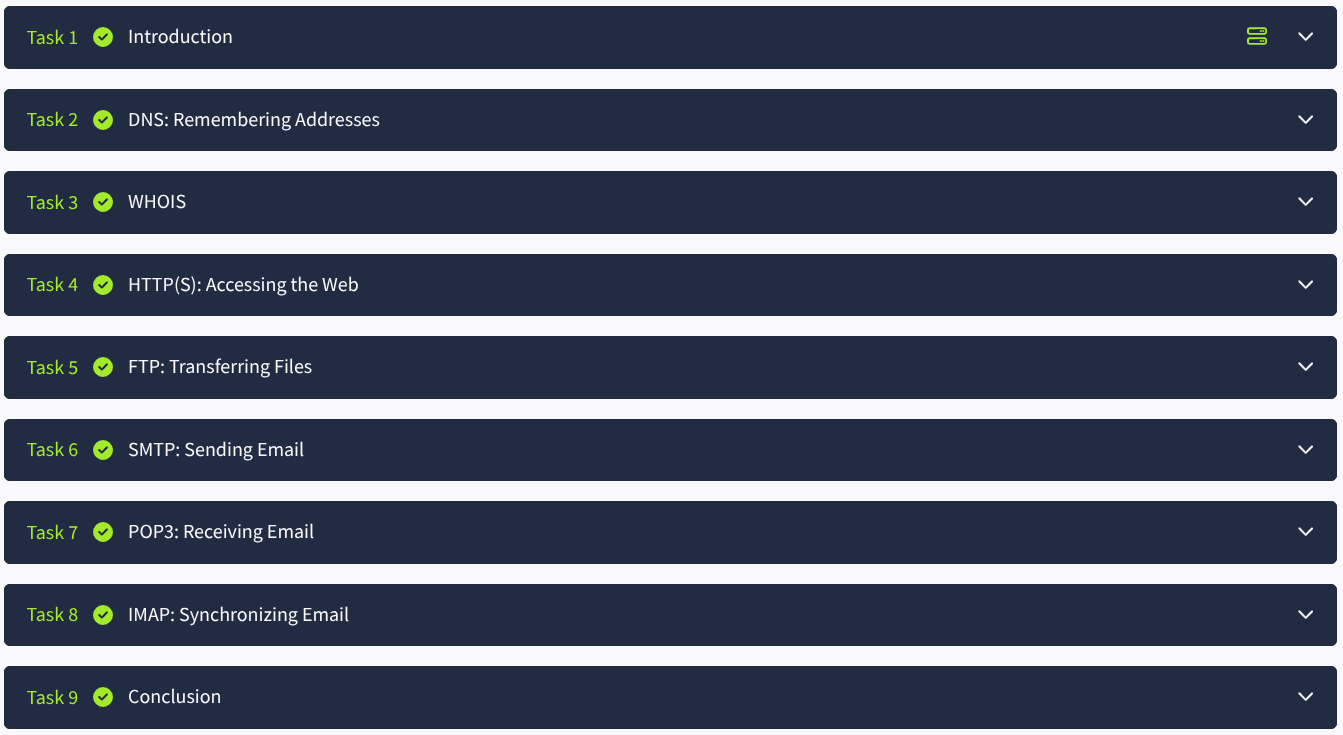
The internet runs on a foundation of protocols that enable everything from browsing websites to sending emails. TryHackMe’s "Networking Core Protocols" module offers a practical introduction to the most important of these: DNS, WHOIS, HTTP(S), FTP, SMTP, POP3, and IMAP. Here's a brief overview of what you'll learn.
🌐 DNS – Domain Name System
Translates domain names into IP addresses.
Learn about:
- Record types (A, MX, TXT, etc.)
- Tools:
dig,nslookup,host - DNS enumeration for subdomain discovery
🕵️ WHOIS – Domain Ownership Info
Reveals domain registration and contact details.
Great for:
- OSINT and recon
- Identifying registrants
- Command-line and web-based WHOIS lookups
🔗 HTTP(S) – Web Communication
Drives website traffic with and without encryption.
Covers:
- HTTP methods (GET, POST)
- Status codes
- HTTPS and TLS
- Tools:
curl, browser dev tools, Burp Suite
📁 FTP – File Transfer Protocol
Transfers files over a network, often misconfigured.
Includes:
- Active vs passive modes
- Authentication and anonymous access
- Tools:
ftp, FileZilla
✉️ SMTP – Sending Email
Sends email from clients to servers.
Key points:
- Commands:
EHLO,MAIL FROM,RCPT TO - Testing via
telnetornc - Ports 25, 587, 465
📥 POP3 – Basic Email Retrieval
Downloads email to a device and deletes it from the server.
Useful for:
- Learning client-server interactions
- Manual testing with
telnet - Ports 110 (or 995 for encrypted)
📬 IMAP – Server-Based Email Access
Accesses and manages email directly on the server.
Highlights:
- Better for multi-device syncing
- Commands:
LOGIN,SELECT,FETCH - Port 143 (or 993 for IMAPS)
🧠 Final Thoughts
This module is an excellent starting point for anyone learning networking or cybersecurity. With hands-on labs and real command-line practice, TryHackMe helps you go beyond theory and into practical application.
Check it out on TryHackMe!