📡 “Command-Line Sleuthing: My Journey into Packet Sniffing with Tcpdump”
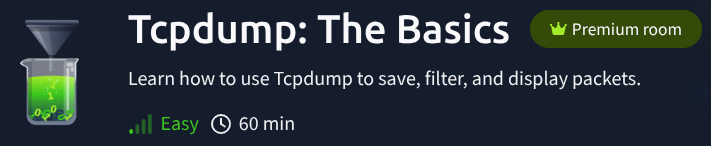
Before this course, I thought packet analysis required flashy tools like Wireshark. But after completing TryHackMe’s Tcpdump: The Basics, I’ve come to appreciate the raw, minimalist power of this command-line classic. Tcpdump strips network analysis down to its essence—and it’s seriously effective.
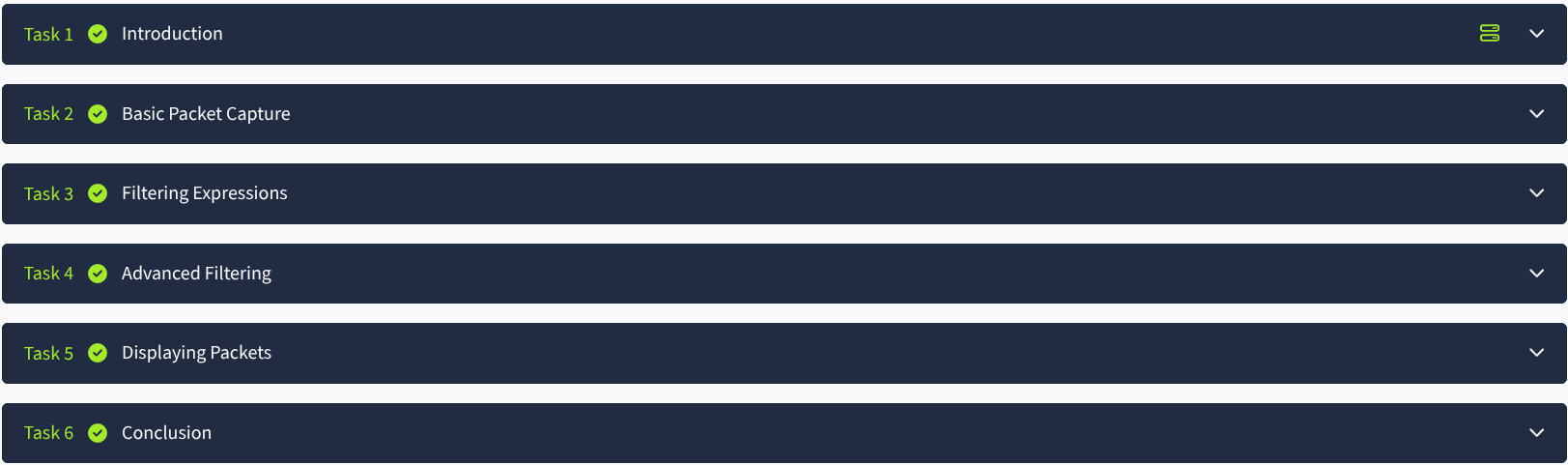
Here’s what I picked up on my packet-sniffing adventure:
🎣 Capturing the Stream
With a single command like tcpdump -i eth0, I was watching live network traffic scroll by. No fancy GUI, no overhead—just real-time packet data straight from the terminal. It felt like I had tapped into the network's nervous system.
🔍 Filtering the Noise
Tcpdump’s real power lies in its filtering expressions. I quickly learned to isolate traffic by protocol (tcp), port (port 80), IP address (host 192.168.1.10), and direction (src, dst). Being able to pinpoint exactly what I wanted made large data sets feel manageable.
🧠 Advanced Filtering = Real Control
Combining filters like src host 10.0.0.5 and dst port 443 gave me surgical precision. I also learned to capture traffic to a file (-w) and analyze it later (-r)—perfect for reviewing logs or sharing with teammates.
🖥️ Decoding the Output
At first, Tcpdump’s output looked cryptic. But with practice—and a little help from flags like -v, -X, and -A—I started reading the story behind each packet. IPs, ports, flags, even payloads... it all became clear.
💡 Final Thoughts
Tcpdump might be a humble CLI tool, but it’s a powerhouse in the right hands. Thanks to TryHackMe’s practical walkthroughs, I now feel confident sniffing traffic, isolating problems, and even writing filters on the fly.
Whether you're in cybersecurity or just curious about your network’s inner workings, learning Tcpdump is time well spent.