🕵️♂️ “Caught in the Packets: My First Deep Dive with Wireshark”
When I first heard about Wireshark, I imagined it was some kind of intimidating, matrix-style tool reserved for elite hackers or digital forensics pros. But after diving into the TryHackMe “Wireshark: The Basics” course, I can confidently say—it’s not just for the cyber wizards. Anyone curious about how data travels across networks can (and should) learn this tool. And honestly? It was way more fun than I expected.
Here’s what I learned along the way:
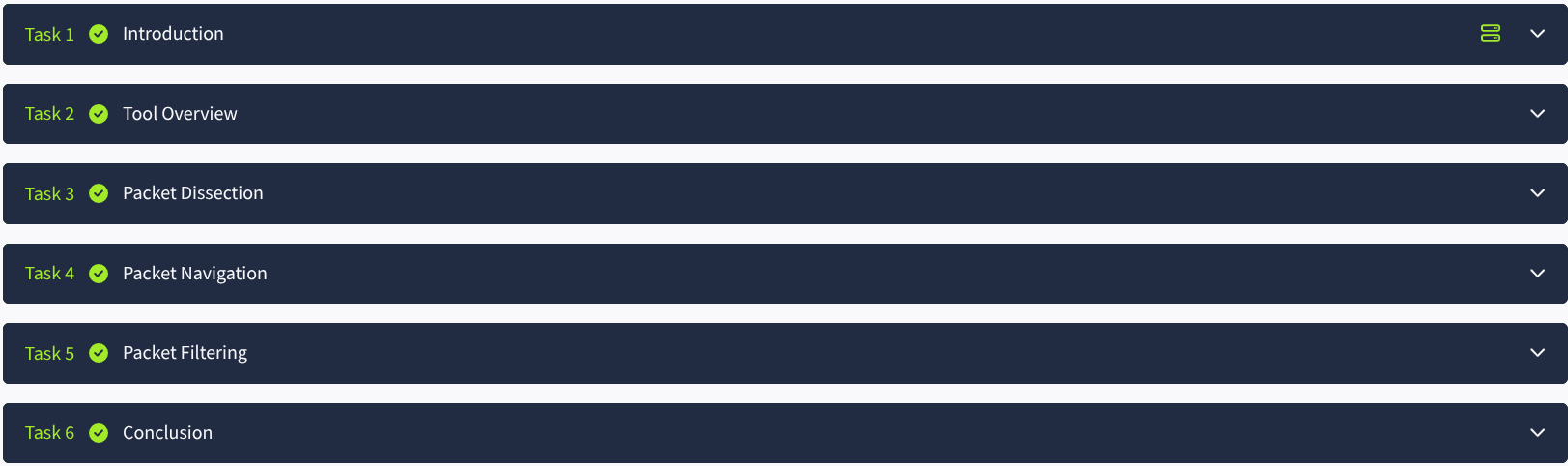
🛠️ Tool Overview: The Shark, Explained
The course started with a gentle overview of what Wireshark actually is—a network protocol analyzer that lets you see everything happening on your network, in real time. Think of it as a magnifying glass for your internet traffic. It’s like reading the fine print of your devices' conversations.
What surprised me the most was how visual and intuitive the interface is. Sure, there’s a lot of data, but it’s all structured in a way that makes exploring packets less overwhelming than I feared.
🔬 Packet Dissection: Anatomy of a Packet
This part was like opening up a digital frog and poking around its organs (but less gross). Each packet is broken down into layers—Ethernet, IP, TCP/UDP, and application data. I learned how to drill into each layer to see what’s really going on beneath the surface.
Now I can look at a packet and instantly recognize its source, destination, protocol type, and more. It’s wild how much information a single packet can hold.
🧭 Navigation: Getting Around in Wireshark
Navigating through thousands of packets can be like looking for a needle in a haystack. Fortunately, Wireshark gives you some solid tools to slice through the noise. I learned how to use the packet list pane, the details pane, and the hex pane efficiently.
Jumping between frames, following TCP streams, and bookmarking interesting packets turned what could’ve been chaos into something actually manageable.
🔎 Filtering: The Real Superpower
Here’s where the magic happened. Display filters are basically the cheat codes of Wireshark. Want to only see HTTP traffic? http. Need to isolate traffic from a specific IP address? Easy. I practiced using filters like ip.addr == 192.168.1.1, tcp.port == 80, and dns to dig deep without drowning in irrelevant noise.
This skill alone makes Wireshark a powerhouse. It’s like asking, “Show me only the important stuff,” and having it actually listen.
🎯 Final Thoughts
TryHackMe did a great job breaking this course into digestible chunks. I went from knowing nothing about Wireshark to confidently analyzing packet captures—and enjoying the process. It’s one of those tools that feels intimidating at first, but once you crack it open, it’s endlessly fascinating.
If you’re even a little curious about cybersecurity, network analysis, or just want to see what’s flying across your Wi-Fi, Wireshark is worth your time. And this course is a great way to get started.